Add to Chrome — It's Free


Instant Screenshot Capture
Capture exactly what you're seeing.
Full page ✓
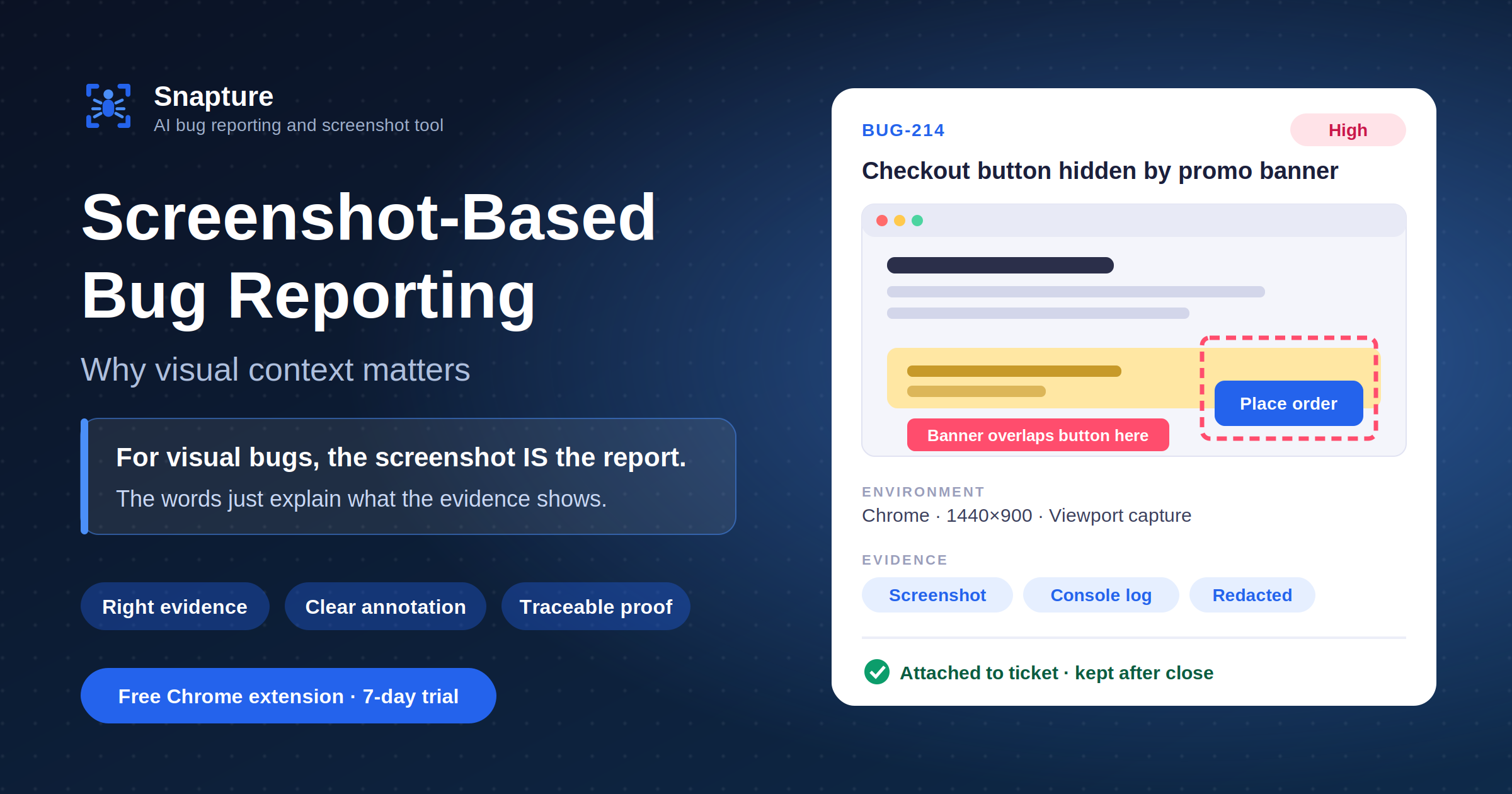
Capture bugs directly from the site you're testing. Annotate, collect technical context automatically, and send everything to Jira, Asana, Trello, Shortcut, or Snapture.
 Free to install · No credit card · Works with your existing workflow

 testing.shopco.com/checkout
Order summary
ProDash Analytics Pro
$49.99/month
Payment
Demo
No re-explaining, no lost context. Just capture, annotate, and file the report.
0+
Teams using Snapture
0+
Bugs captured
0×
Faster than manual
0 ★
Chrome Web Store
Works with the tools your team already uses
 Jira
Jira Asana
Asana Trello
 Shortcut
How it works
Hit the Snapture extension and capture a full page or select just the part that matters.
Selecting…
Highlight exactly what needs attention. Draw, box, or blur anything sensitive.
Create a complete, detailed issue with screenshot, context, and steps attached automatically.
Jira — EngineeringIssue Created ✓
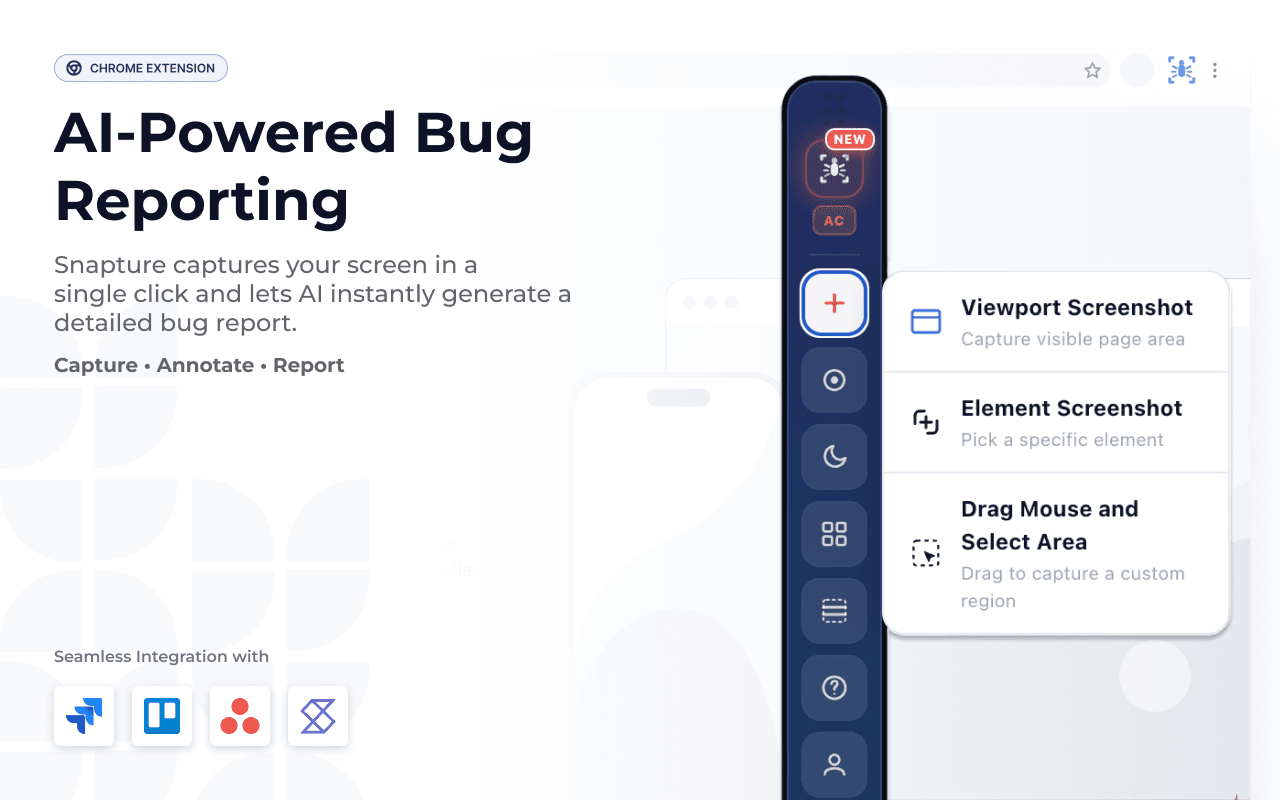
Everything you need to capture, annotate, and report bugs — without ever leaving the page you're testing.
Features
Capture exactly what you're seeing.
Highlight, draw, blur, and explain issues precisely.
AI rewrites your title and description, and generates test cases, acceptance criteria, and repro steps.
One click sends it where your team already works.
Connect to:
JiraAsanaTrelloShortcutMake bug reporting effortless for your entire team.
Comparison
Exactly how much time Snapture saves per bug report.
Without Snapture
With Snapture
38×
Faster bug reporting
100%
Context included automatically
0
Context switching needed
Integrations
Connect to your existing workflow. No new tools to learn.
Create detailed Jira issues with screenshots, annotations, and full technical context attached automatically.
Auto-filled fields
Add tasks to any Asana project with attachments and complete bug details included.
Auto-filled fields
Push bug cards directly to any Trello board with screenshots and context attached.
Auto-filled fields
Send stories to Shortcut with complete bug context attached.
Auto-filled fields
Use the built-in Snapture board to triage and manage every bug in one place.
Auto-filled fields
On the roadmap — connect once they land.
 ActiveCollab
 Linear
 GitHub Issues
 Notion
Testimonials
“A really convenient extension for everyday development work. Snapture makes it simple to capture issues while browsing, add the necessary details, and communicate problems clearly with the team. I especially like how quickly you can document an issue without switching between multiple tools. It’s a practical addition to any QA or development workflow.”
“Great tool for quick and easy bug reporting! Snapture makes it very easy to capture screenshots, record issues, and share clear bug details. The interface is simple, fast, and helpful for QA and development teams. It saves time and makes collaboration much easier. Definitely a useful extension for anyone working in software testing and development.”
“Snapture is a good and very helpful tool for capturing screenshots, recording videos, annotating issues, and creating bug reports. It makes the bug-reporting process faster and easier, especially for QA and development teams. Overall, it is a useful and user-friendly extension that can improve the efficiency of testing and issue reporting.”
Pricing
Start free — no credit card needed. Upgrade to Pro when you're ready.
Free Trial
7 days · no card
$0
Pro Monthly
Billed monthly
$19
/ month
Pro Yearly
Billed annually
$190
/ year
Save $38
Blog
Practical guides, product updates, and stories on better bug reporting, QA workflows, and design collaboration.
FAQ
Yes. Install the extension and start capturing for free — no credit card required. Paid plans add higher usage limits and team features.
Install the Snapture browser extension and turn your next bug into a dev-ready ticket in seconds.
Free to install · No credit card required
Contact us
Whether it's a question about features, a sales inquiry, or something's not working — send us a message and we usually reply within 24 hours.
snapture@galaxyweblinks.co.in